

OffiGo Shares 7 Findings on Standing Desk Storage Quality for Organized Workstations
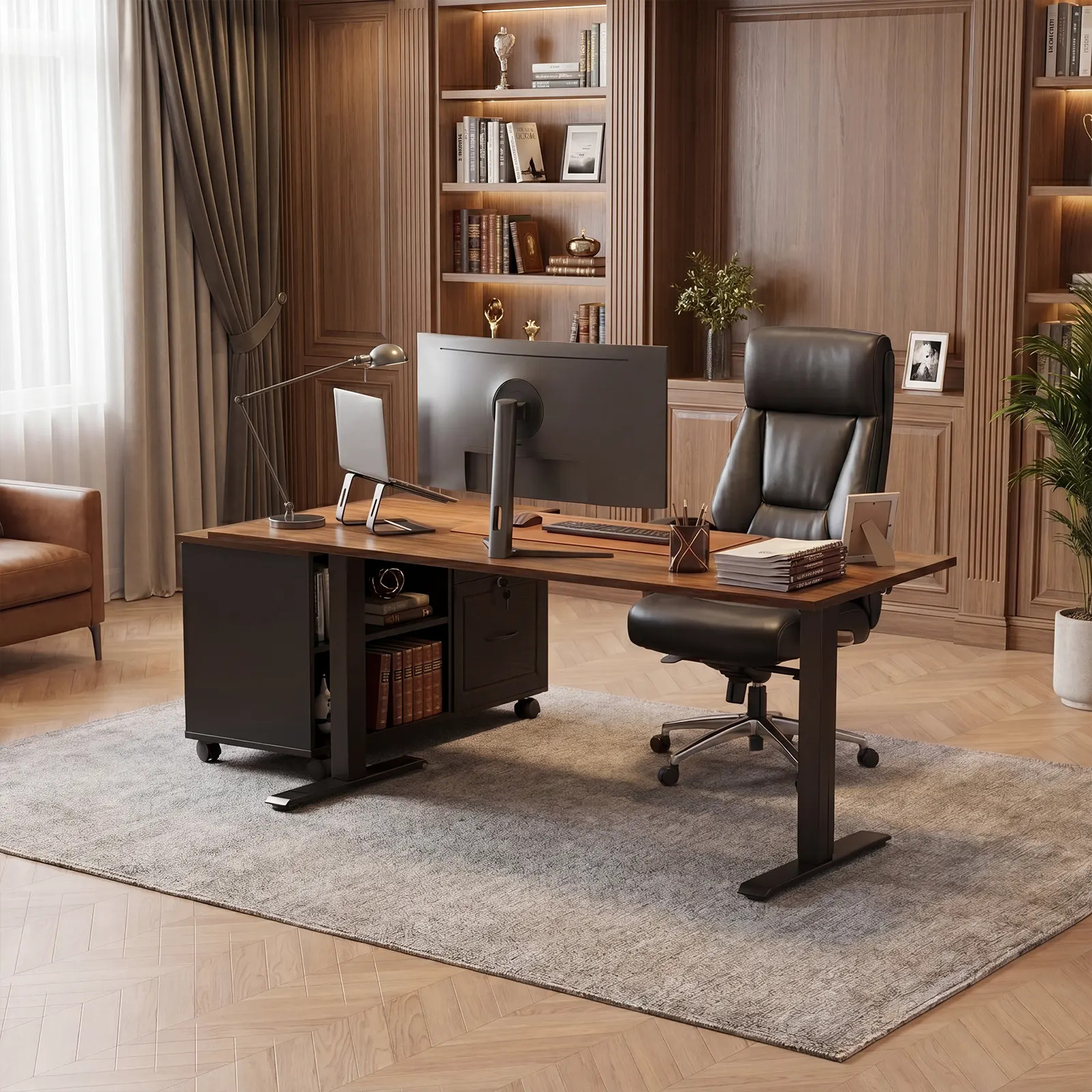
OffiGo 55-inch L-shaped standing desk with movable file cabinet, shown as an organized workstation for documents, devices, and daily office storage.
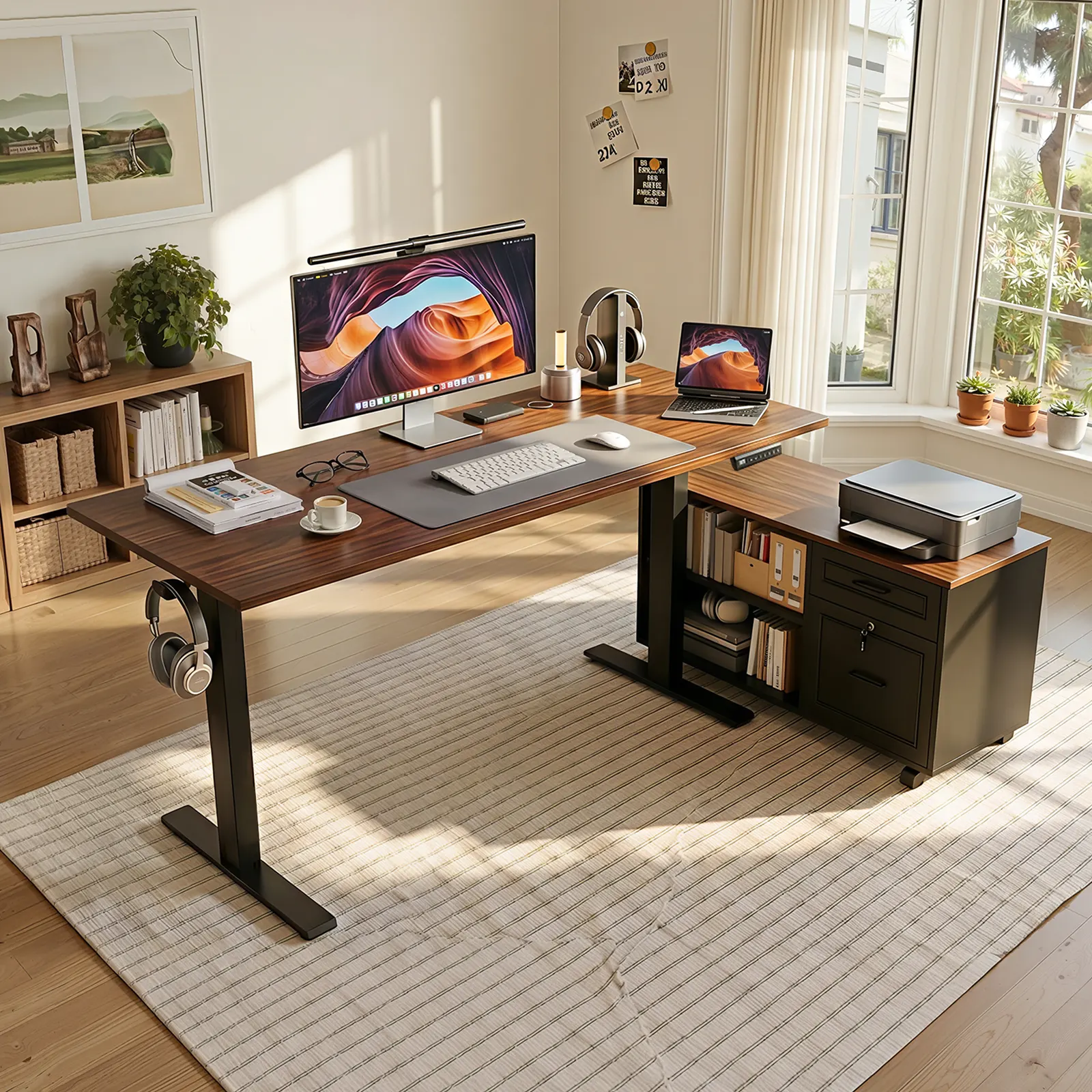
OffiGo 55-inch L-shaped standing desk shown with an open modular side cabinet layout for monitor work, laptop use, printer placement, and daily office storage.
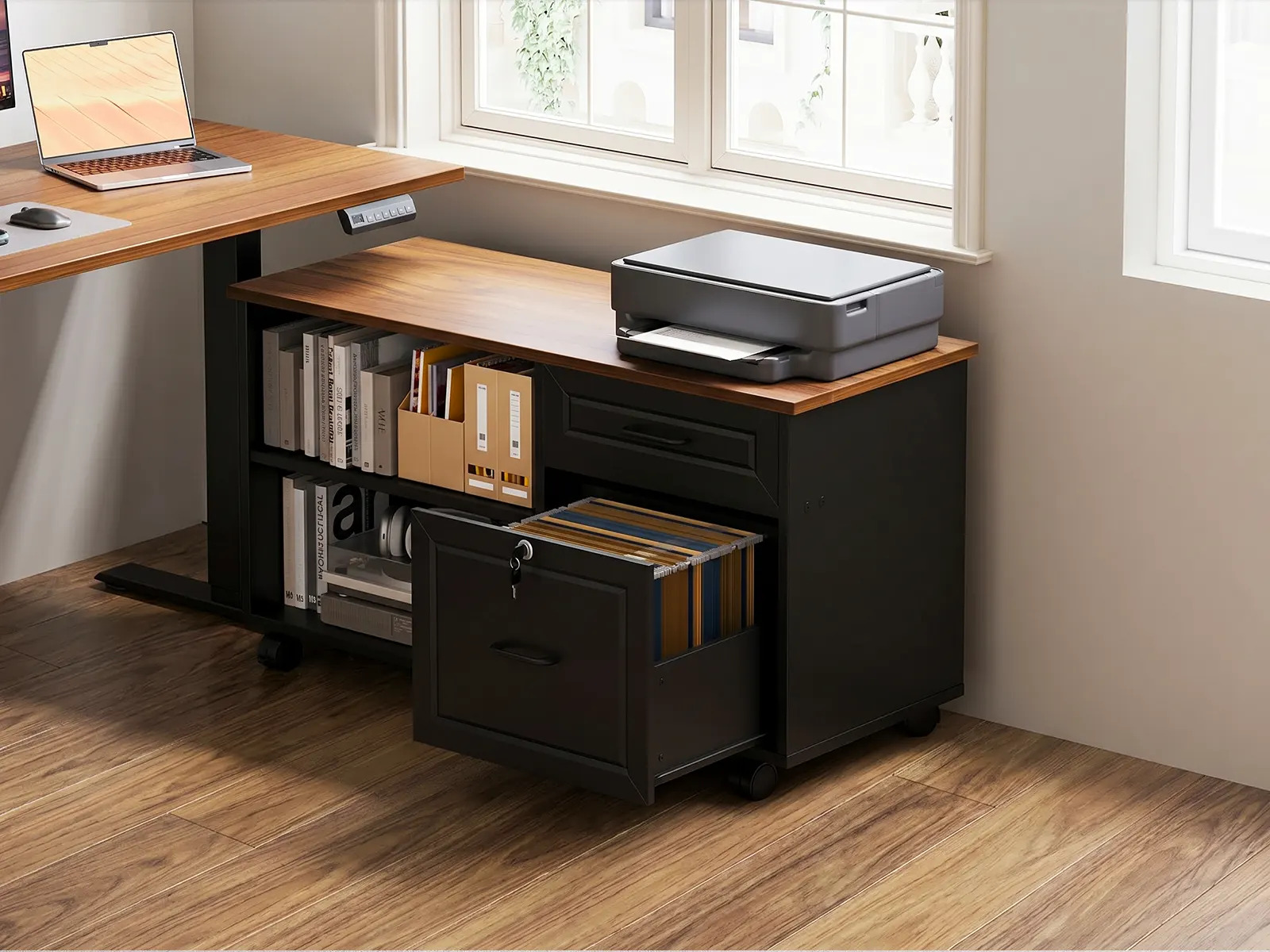
Movable file cabinet detail for the OffiGo 55-inch L-shaped standing desk, showing file storage, open shelving, and printer placement for document-heavy work.
The guide outlines seven findings for comparing usable storage, legroom, reach zones, load support, cables, layout flexibility, and maintenance.
AZUSA, CA, UNITED STATES, June 25, 2026 /EINPresswire.com/ -- OffiGo has published a new workspace guide to help buyers compare standing desk storage quality across brands before choosing a sit-stand workstation for long daily use.
The guide addresses a common buying problem: many shoppers compare standing desks by surface size, finish, motor controls, or the number of drawers shown in product photos, but the everyday test is whether the desk can keep files, chargers, notebooks, printer paper, devices, and cables organized without reducing comfort. Storage that looks useful online can become a problem if it blocks knee clearance, pushes the chair away from the desk, interferes with cables, or places frequently used items outside a natural reach zone.
OffiGo's standing desk storage quality guide recommends evaluating storage as part of the whole workstation rather than as a separate accessory count. The guide defines useful storage as storage that supports the user's workflow while preserving legroom, movement, cable access, and the ability to switch between sitting and standing.
Guide Findings
The guide highlights seven practical checks buyers can use when comparing standing desks with storage:
1. Usable storage volume. Buyers should look beyond exterior dimensions and drawer count, then consider whether the storage can hold the items they actually use each day.
2. Legroom preservation. A standing desk should still let the user sit close enough to type comfortably, roll in a chair, and avoid knee or chair-arm contact with drawers or cabinets.
3. Reach-zone efficiency. Daily-use tools should stay within a natural arm reach at both sitting and standing heights, while occasional supplies can sit farther away.
4. Load and stability. Heavy files, books, printer paper, and office equipment need stronger support than light stationery or soft accessories.
5. Cable compatibility. Buyers should confirm that power cords, monitor cables, and chargers have enough slack for the full height range and do not run through file or drawer zones.
6. Layout flexibility. Movable or reversible storage can be useful when a room layout changes or when the user needs the cabinet on a dominant side.
7. Long-term maintenance. Slides, panels, handles, cabinet access, and assembly clarity matter because storage is touched repeatedly during the workday.
The guide also separates common storage types by use case. Built-in drawers can work well for notebooks, chargers, and small electronics. Fabric drawers are better suited to light daily essentials. Open shelves can support printers, paper trays, books, or reference binders. Movable file cabinets can be a stronger match for document-heavy setups because they can hold larger supplies while keeping the primary desktop clearer.
As one product example, OffiGo points to its standing desk with movable file cabinet for users who need a workstation-style setup for documents, printers, dual monitors, and daily office materials. The model pairs a 55.1-inch by 23.6-inch desktop with a 39.4-inch by 15.8-inch by 18.7-inch filing cabinet, and the cabinet can be placed on the left side, right side, or inline depending on the room and work habit. The product does not include integrated power outlets or charging modules, which gives users flexibility to choose their own power and cable management setup.
The guide's central recommendation is to start with the workday, not the product photo. Buyers can list the items that currently clutter the desk, sort them by frequency and weight, and then choose storage that keeps hourly tools close while moving occasional supplies away from the main work surface. This process can help prevent a common mismatch: buying more compartments while still leaving the desktop crowded or the seated posture compromised.
For administrative work, accounting, legal paperwork, teaching, small-business operations, and multi-device home offices, the guide suggests giving extra weight to cabinet capacity, side placement, chair clearance, and printer support. For compact rooms, shallow drawers and reversible corner layouts may matter more. For multi-device work, outlet placement, cable paths, and full-height cord slack should be checked before assembly.
The guide is available now through OffiGo's workspace guide library. Buyers comparing standing desks across brands can use the framework to review product pages, room layouts, and daily storage needs before selecting a workstation.
In summary, standing desk storage quality should be judged by how well the desk turns storage into daily workspace support: keeping files, devices, supplies, and cables organized while preserving legroom, chair access, natural reach, load stability, full-height cable movement, flexible layout options, and long-term hardware usability.
OffiGo Workspace Team
OffiGo – Professional Workspace Solutions
Creator@offigo.com
Visit us on social media:
Instagram
YouTube
X
Legal Disclaimer:
EIN Presswire provides this news content "as is" without warranty of any kind. We do not accept any responsibility or liability for the accuracy, content, images, videos, licenses, completeness, legality, or reliability of the information contained in this article. If you have any complaints or copyright issues related to this article, kindly contact the author above.
